Define the scene before creating assets
Choose the product category, presentation style and space the character needs in the final scene. Decide whether products appear in the character's hands, as separate scene elements or through a supported media popup. Leave room for captions and platform interface elements.
If you use a real person as a reference, establish permission for the intended image, video and voice uses. Possessing a clip is not proof that you can clone the person or publish an advertising performance in their likeness.
Keep visual identity consistent
Use clear references and specify the identity, hairstyle, clothing and proportions that should stay consistent. When creating a new image with a different product, inspect the face, body scale and product label instead of relying on the instruction alone.
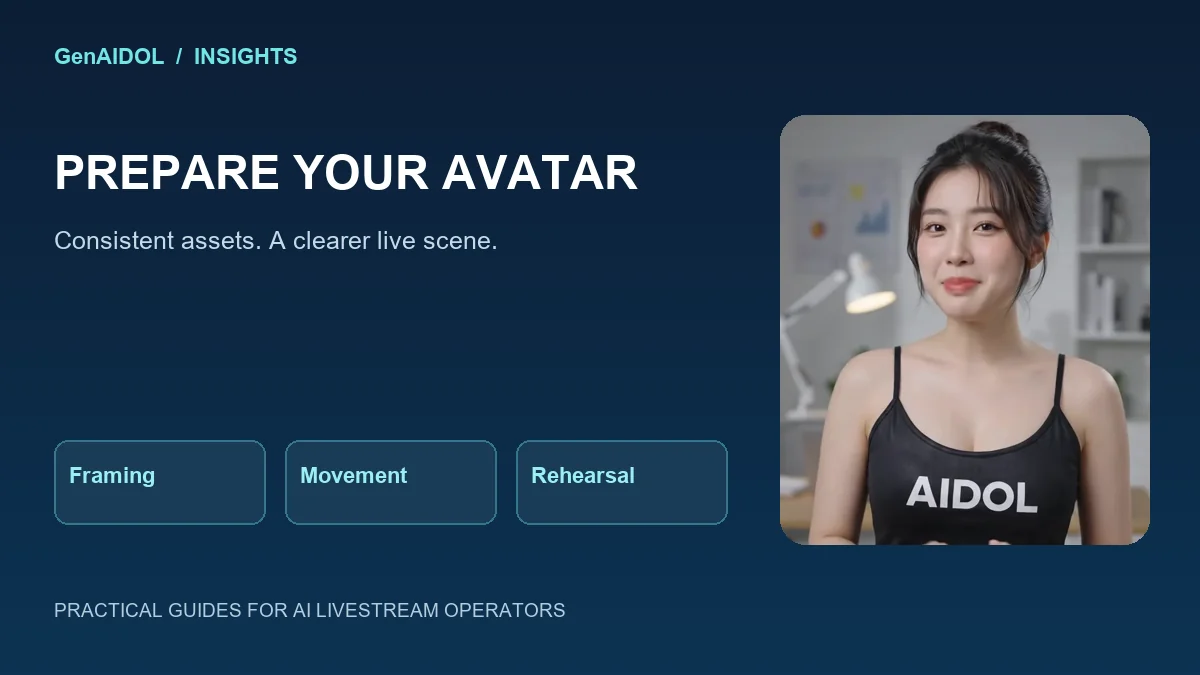
For the character-preparation workflow described by GenAIDOL, a closed-mouth smile and consistent green background can be useful starting choices when chroma-key removal is intended. These are production choices, not universal requirements.
Use stable source-video movement
For a source clip intended for a character workflow, request a fixed camera, no cuts, no zoom and restrained movement. Excessive head rotation, shaking and changing perspective can make later composition harder. Follow the preparation instructions for the specific feature you will use.
Review the entire output for changing facial details, deformed hands, shifting packaging and objects disappearing at the frame edge. A convincing preview frame does not prove the whole clip is usable.
A starting brief you can adapt
Describe the character reference, exact product and scene. Ask to preserve identity and proportions, avoid invented text on packaging and use the background required by your production plan. For suitable source-video generation, add fixed-camera and limited-motion requirements.
These prompts are not guarantees. Inspect the result and avoid claims that it will match a person or product perfectly. Use material you can verify and replace unsuitable outputs before a live session.
Rehearse in the final composition
Load the character into the actual workflow and test background removal, framing, voice level and several response lengths. Check the result inside the streaming tool, not only in the asset viewer. Include a pause or fallback scene the operator understands.
GenAIDOL Studio can help prepare image and video assets, while Local or Cloud handles another part of the live workflow. Asset creation does not by itself grant a software entitlement or permission to publish on every platform.
Find the setup that fits your workflow
Compare current features and costs before buying. International buyers should confirm payment and support arrangements with GenAIDOL.
Product references checked on November 6, 2026: Local features, Cloud features and costs, and setup guides. These are product descriptions, not independent performance tests. Check the live offer and destination-platform requirements before purchase or broadcast.